
DIGITAL MEMBERSHIP CARDS & PASSES
YOUR MEMBERSHIP, ON YOUR PHONE.
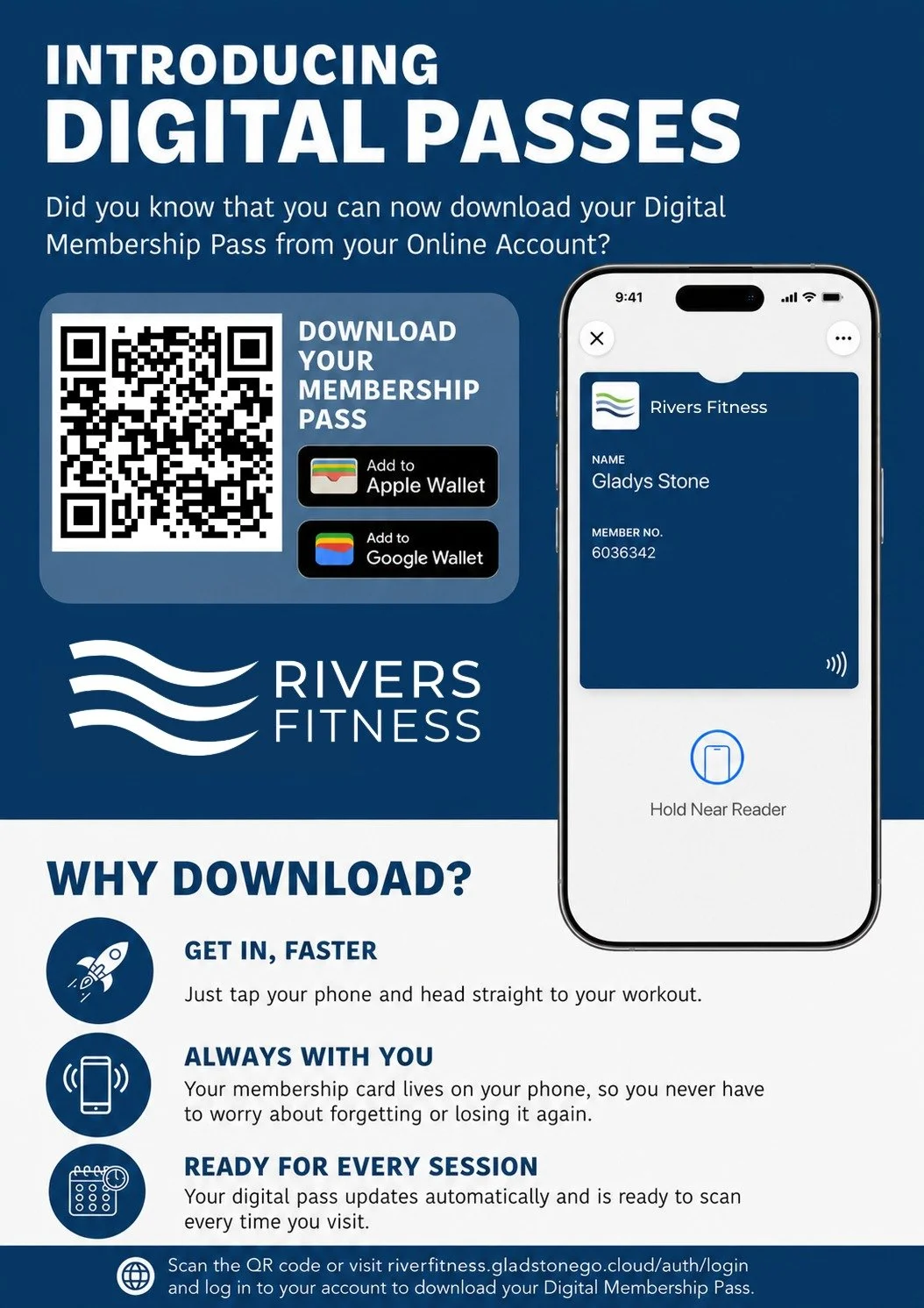
From 1st September 2026, physical membership cards will no longer be issued. Members will instead use a digital membership pass on their smartphone or compatible device. Key fobs, phone stickers and wristbands will still be available from reception if you prefer a different option.
From 1st September 2026, physical membership cards will no longer be issued. Members will instead use a digital membership pass on their smartphone or compatible device. Key fobs, phone stickers and wristbands will still be available from reception if you prefer a different option.
How to download your digital membership pass
You’ll need to download your pass using a mobile device.
Log in to My Account
Go to Membership Card
Select Add to Digital Wallet
Add your pass to Apple Wallet or Google Wallet
Important: Your membership pass can only be downloaded once, so please don’t delete it from your digital wallet once it has been added.
PAYG & group booking tickets
If you make a PAYG or group booking, your digital ticket will be available:
On the confirmation page after booking
Via the link in your confirmation email
Under Bookings in My Account
For group bookings, a ticket is created for each participant and sent to the lead booker. These can then be shared with the other people included in the booking.
Using your digital pass
When you arrive at the leisure centre:
Open your membership pass in Apple Wallet or Google Wallet
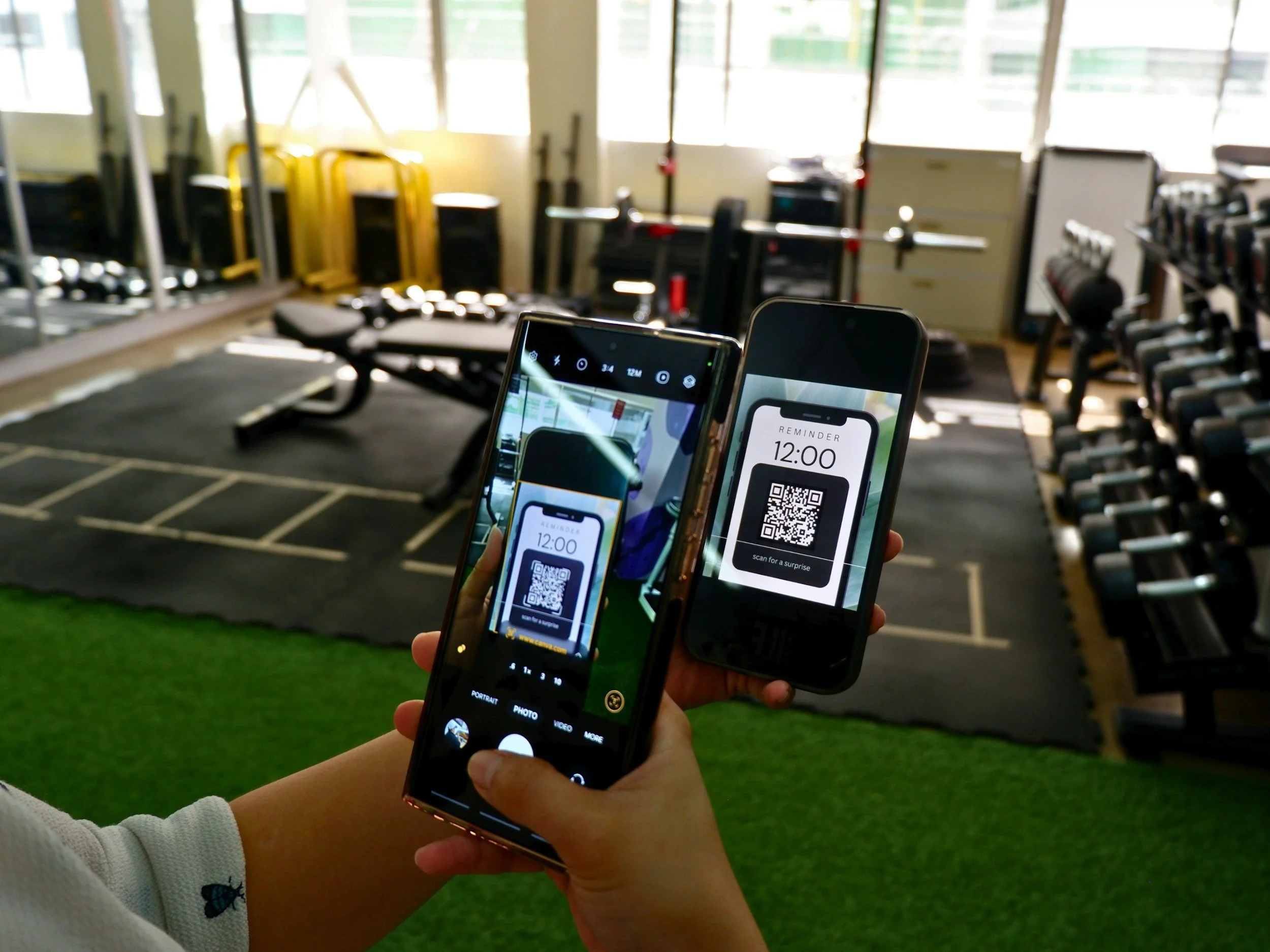
Approach the gate or reader with your phone or compatible smartwatch
Scan the QR code or tap your device on the reader
Your membership card will be checked automatically and the gate will open if your access is valid
Your digital pass follows the same access rules as your existing membership card, including eligible centres, activities and access times.

Having trouble with your digital pass?
-
Check that:
You’re using a mobile device
Pop ups aren’t being blocked
Google Wallet is installed and up to date if you’re using Android
Your digital wallet is enabled and your device region is set to the UK
-
Log in to My Account and go to Personal Details/Membership Card, then select Add to Digital Wallet.
It’s also worth checking that you’ve logged in using the correct account and email address.
-
Make sure you’re using the actual pass in your digital wallet, rather than a screenshot.
If you’re scanning a QR code, increasing your screen brightness may help. If you’re tapping your device, make sure NFC is enabled.
Your membership or booking must also be valid for the centre and time you’re trying to access.
-
Digital membership passes can only be downloaded once.
If you’ve deleted your pass or moved to a new device and can’t download it again, please speak to our reception team, who can help reset your pass so that you can add it to your new device.
Need a hand?
Don’t worry if you’re not sure how to set everything up. Speak to a member of our reception team and we’ll be happy to help.
